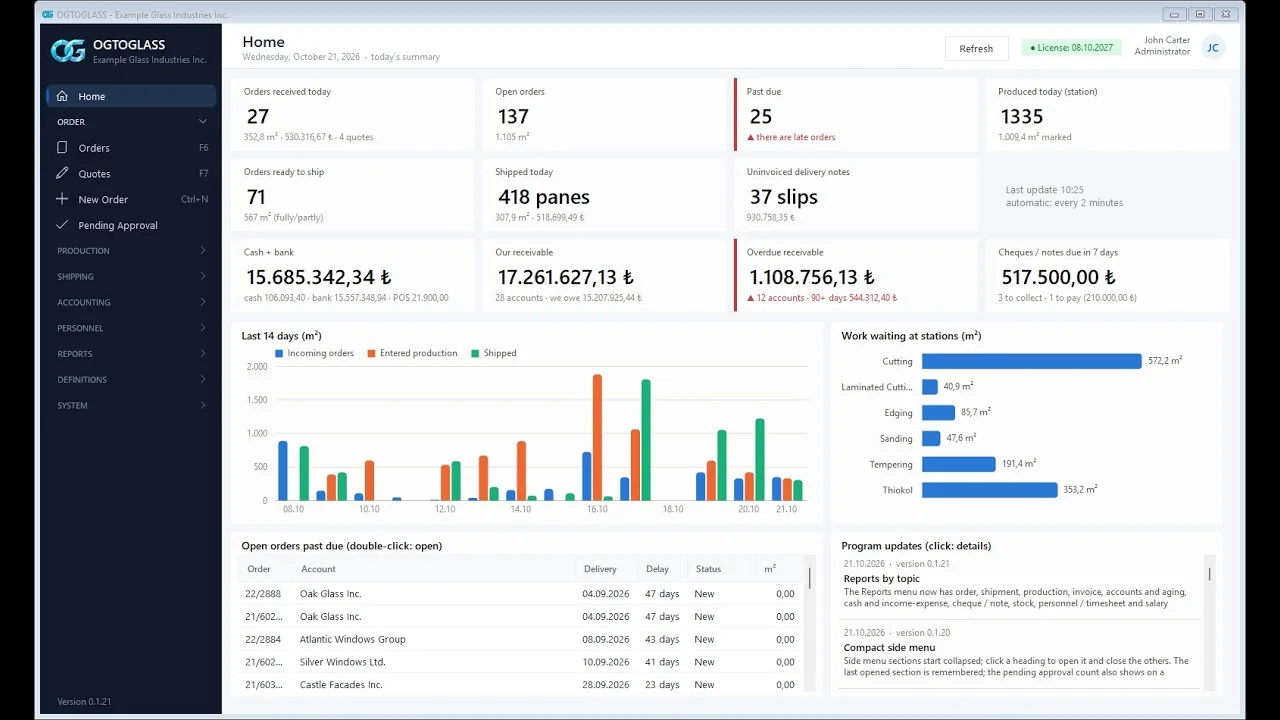
"Where is this order?"
Orders tracked by phone, on paper and in notebooks get lost.


Glass software · Insulated · Tempered · Laminated · Processing
OGTOGLASS is desktop glass order software that brings orders, production tracking, shipping, invoicing and collections together for companies that make insulated, tempered, laminated and processed glass. Your dealers enter their own orders from their phones, and you approve them. If you like, pre-accounting and staff timesheets are in the same program too.
Orders tracked by phone, on paper and in notebooks get lost.
Nobody knows which glass is waiting at which station.
Orders ready to ship get mixed up with missing panes.
Shipped glass is entered into accounting by hand.
Receivables, cheques and payments live in separate notebooks and files.
Timesheets, leave and advances are kept on paper.
 OGTOGLASS keeps all of this in one place, connected.
Information entered at one step flows on to the next by itself; you never type the same thing twice.
Entered at the office or sent by a dealer through the link, then approved.
Glass reaches the stations along its route and is marked off at each one.
Ready glass ships on one dispatch note and the delivery note is printed.
Dispatch notes are transferred to your accounting software or invoiced in the program with the pre-accounting package.
Tick the orders to cut. OGTOGLASS decides how many of each available sheet to use, draws the plan in seconds and prepares the file for the cutting table.
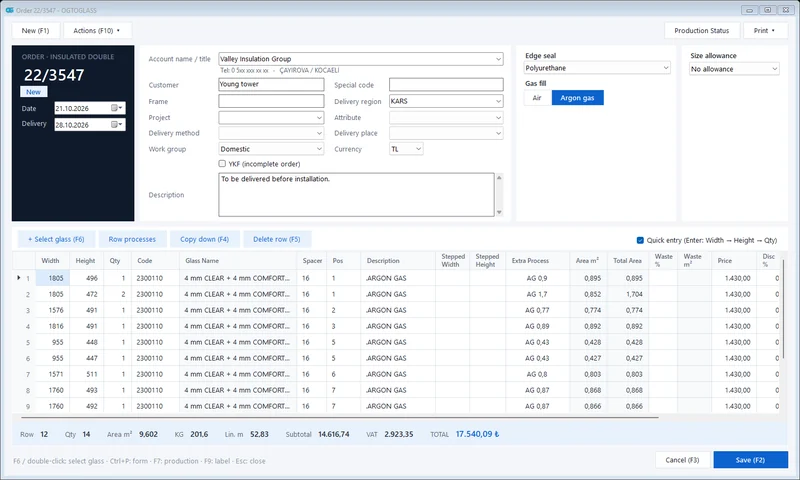 Order management
Insulated, single, laminated and processed glass orders; m², kg and amount calculated instantly.
Explore
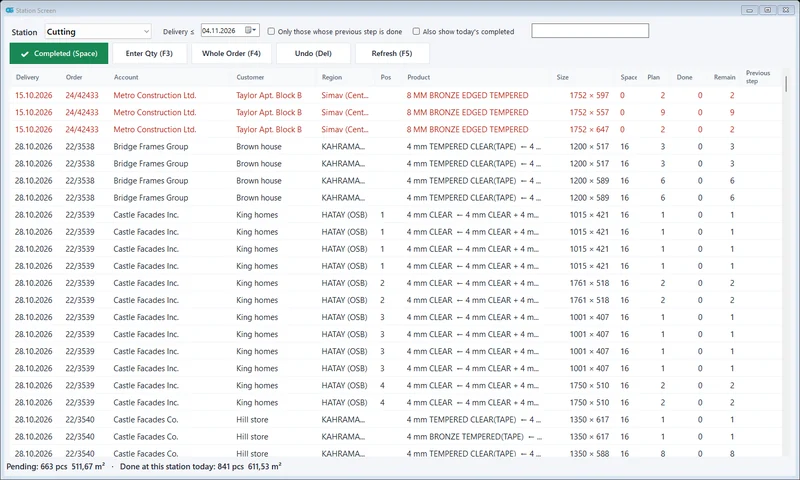 Production tracking
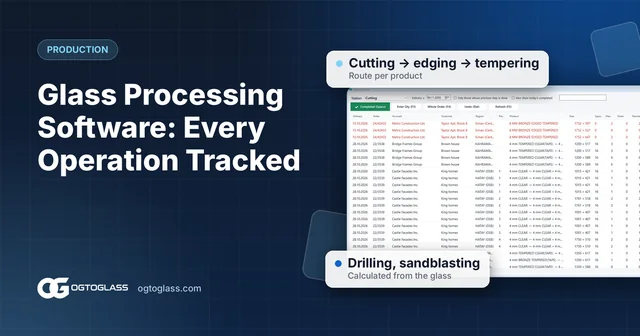
Cutting → edging → tempering → IGU assembly; which glass is at which station, at a glance.
Explore
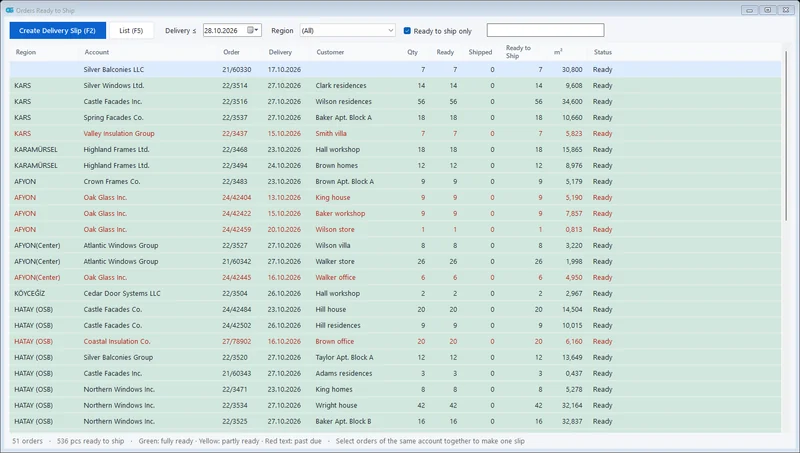 Shipping and delivery notes
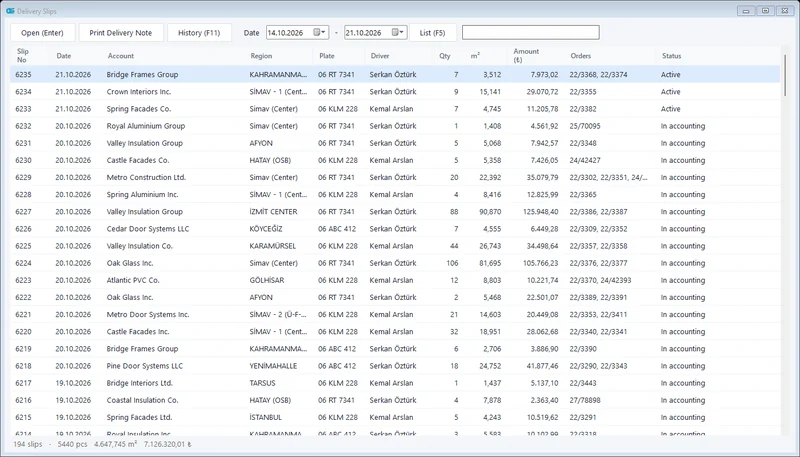
Orders ready to ship in one list; all orders of the same customer on one dispatch note.
Explore
 Accounting integration
Shipped glass is transferred to accounting as a delivery note / invoice; no more retyping.
Explore
 Dealer order link
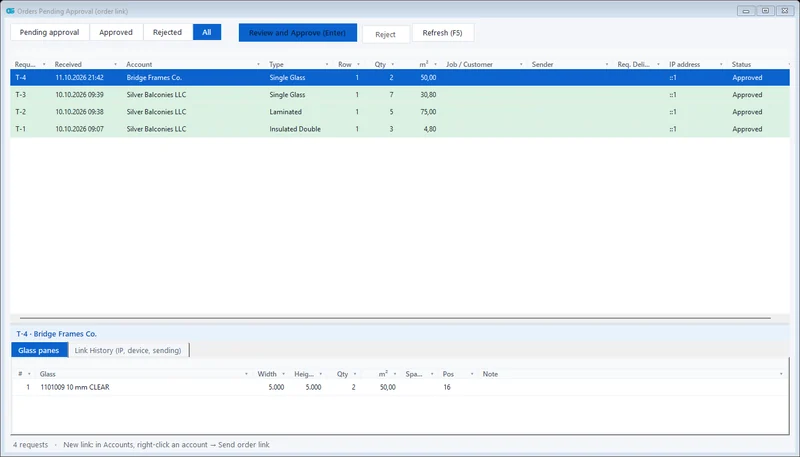
With a single-use link, no login needed; the order lands in your approval queue.
Explore
 Change tracking and permissions
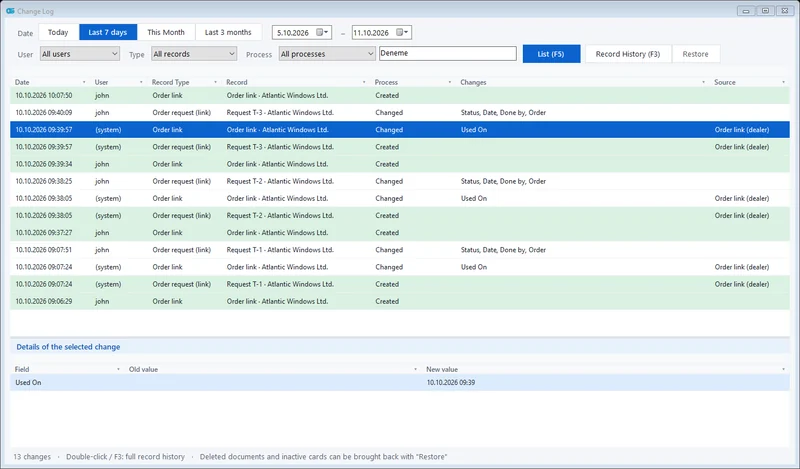
Who changed what and when; deleted records can be restored. Role-based users.
Explore
The Pre-accounting and Staff / Timesheet packages open in the same program's menu when added to your licence; your data stays in the same database.
 Package
Pre-accounting
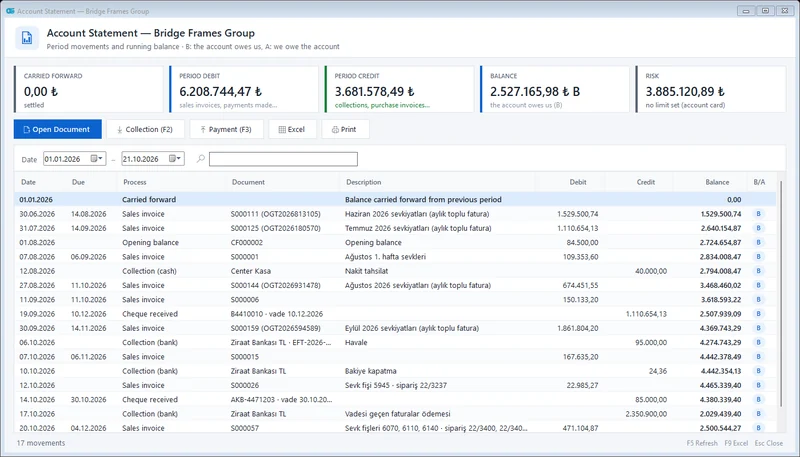
Invoices, account statements, cash / bank / POSCheques / notes, aging analysis, cash flowIncome / expense and product profitability
Explore
 Package
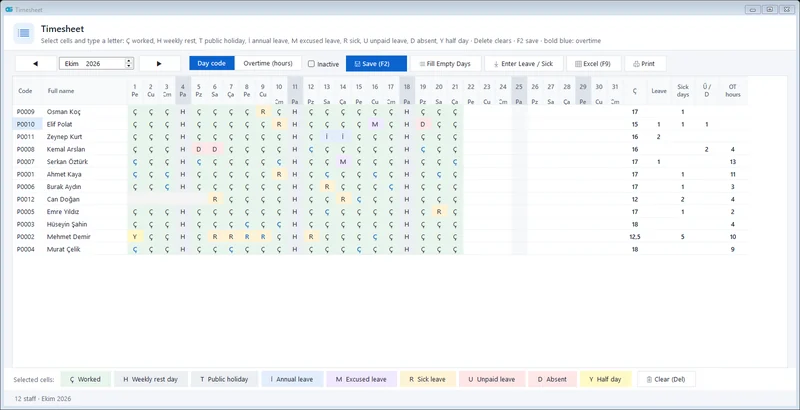
Staff and timesheets
Staff cards, seniority, payMonthly timesheet and overtimeAnnual leave, advances and pay summary
Explore
 Reports
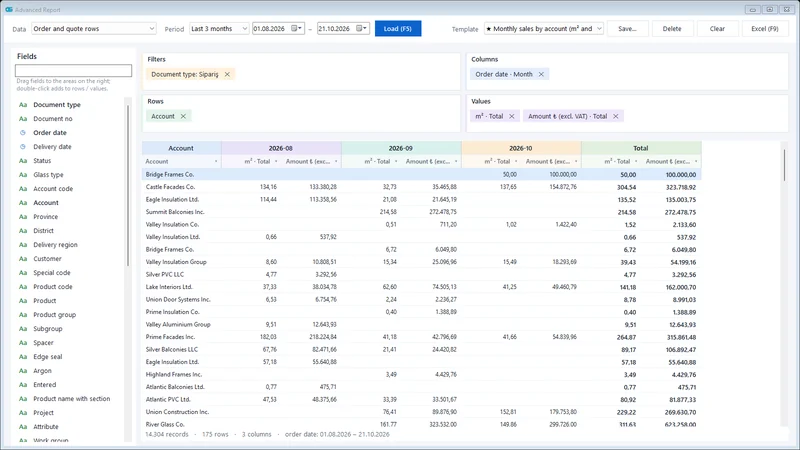
Ready-made reports by topicDrag-and-drop pivot reportSave as template, export to Excel
Explore
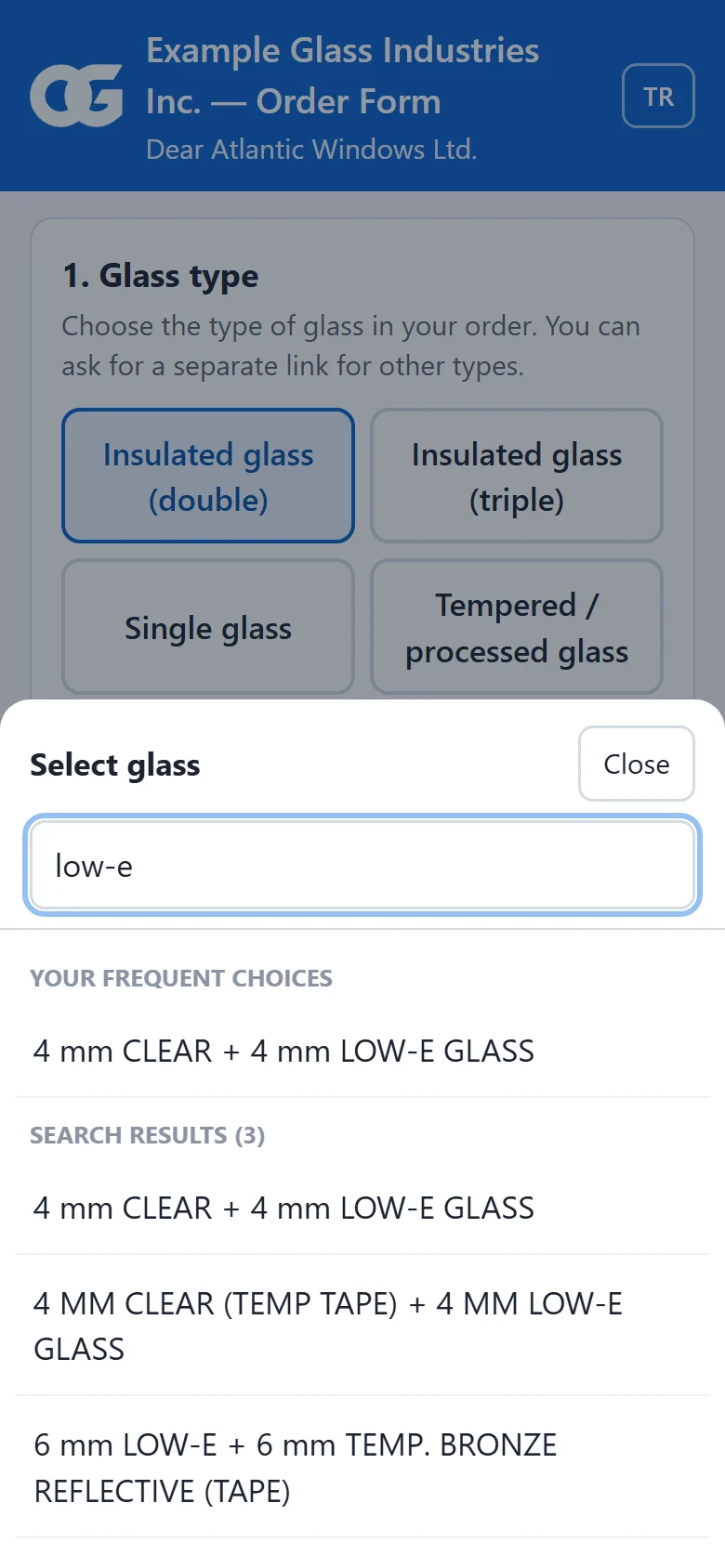
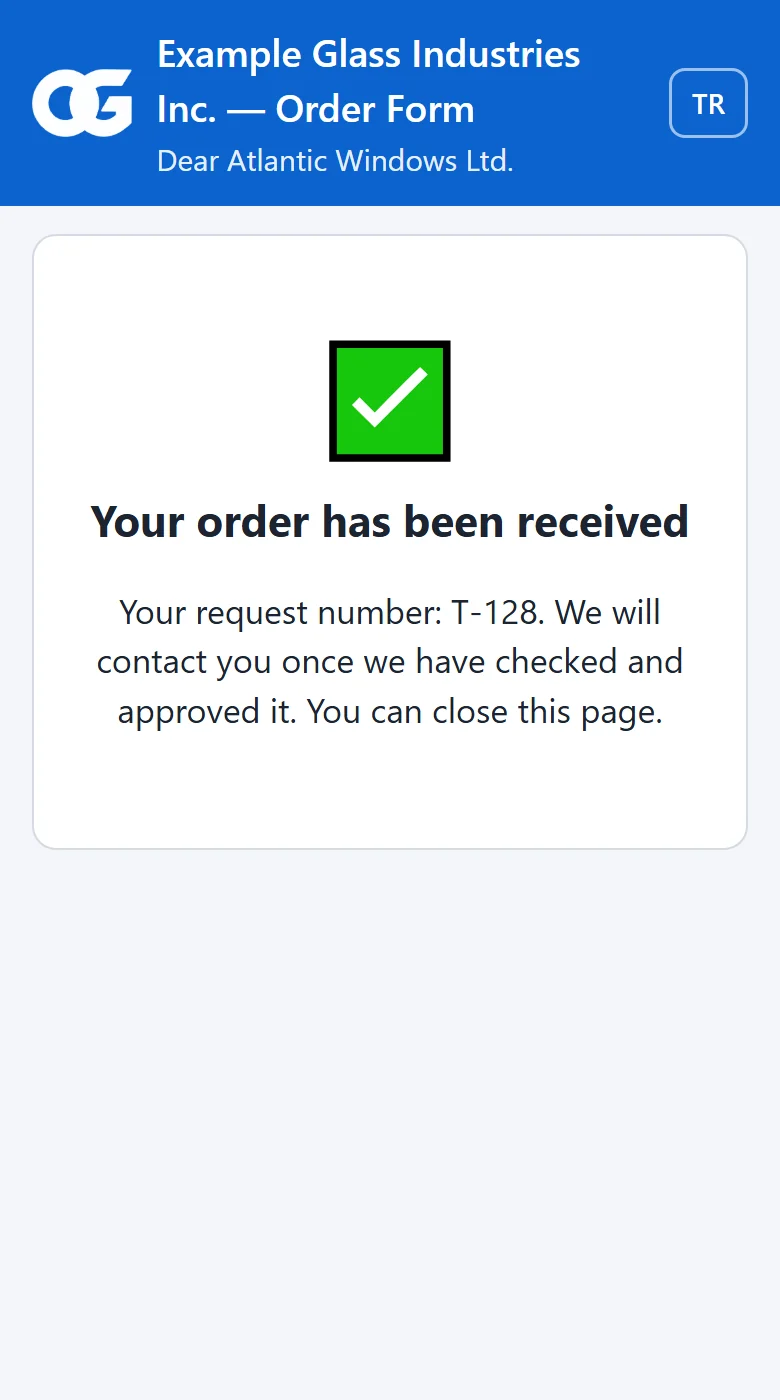
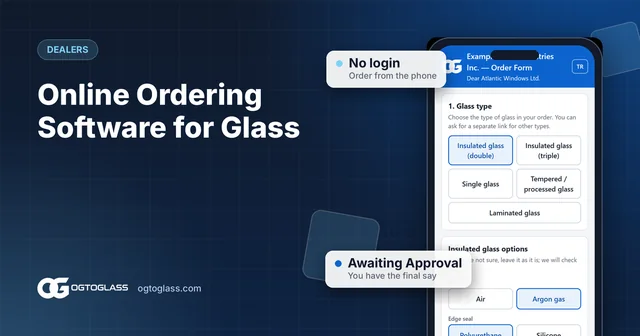
No software to install, no account, no password for the dealer. A single-use link opens on the phone and the order lands in your approval queue.
A single-use, time-limited link is created. Send it with one click by WhatsApp or e-mail.
They pick the glass type, type the sizes in mm, choose the spacer and gas, and check the summary before sending.
The order lands in "Awaiting Approval". Once approved it becomes a regular order with that customer's prices.
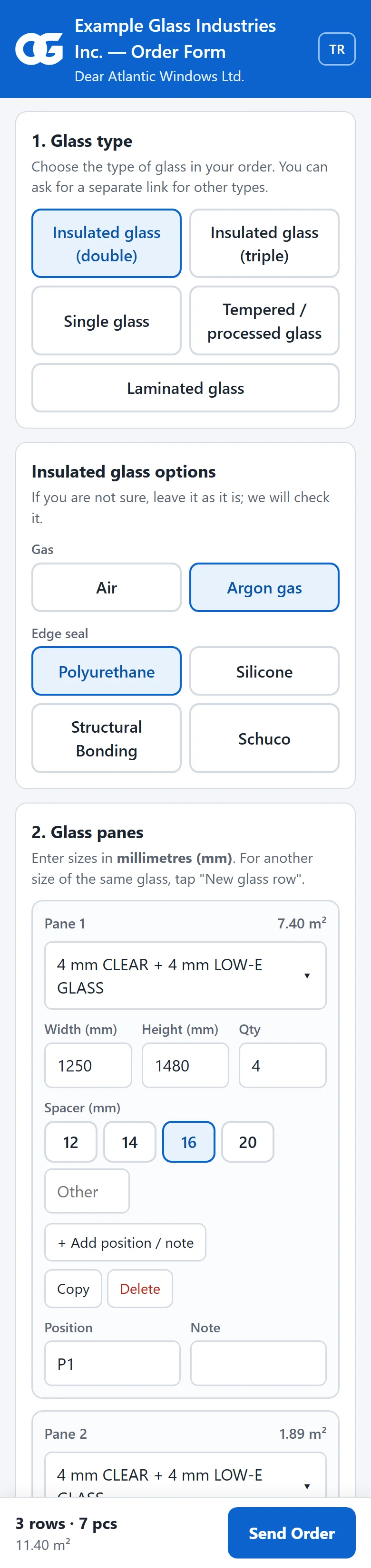
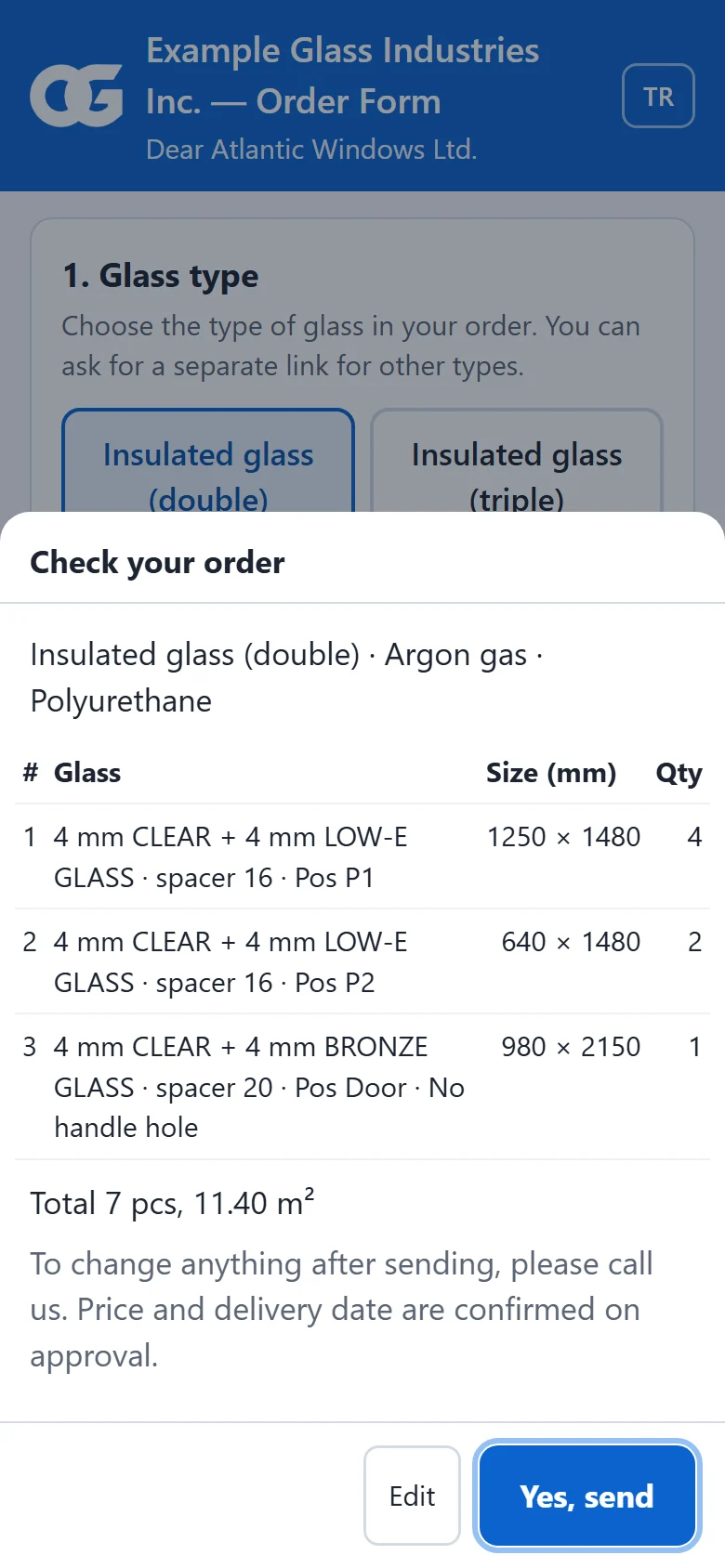
OGTOGLASS is not a generic stock or bookkeeping program; it is glass software made for companies that produce insulated, tempered and laminated glass and do glass processing. An order line is entered as width × height × quantity; m², linear metres, weight and amount are calculated automatically. Spacer, argon gas, edge sealant and extra operations are derived from the size of the glass.
Orders reach the stations along their production route, ready glass leaves on a single dispatch note and dispatch notes are transferred to your accounting software. Your dealers enter their own orders from their phones. In short, OGTOGLASS combines glass order software, glass production tracking software and shipping software on one screen.
With the optional pre-accounting package, invoices are created from dispatch notes and account statements, cheques / notes, aging analysis and cash flow are followed in the same program. The staff and timesheet package covers monthly timesheets, leave and advances, and the advanced report lets you build your own pivot reports.
By glass type: Insulated glass software · Tempered glass software · Laminated glass software
Read more: What is glass order software? · Insulated glass m² and linear metre calculation · Glass production tracking
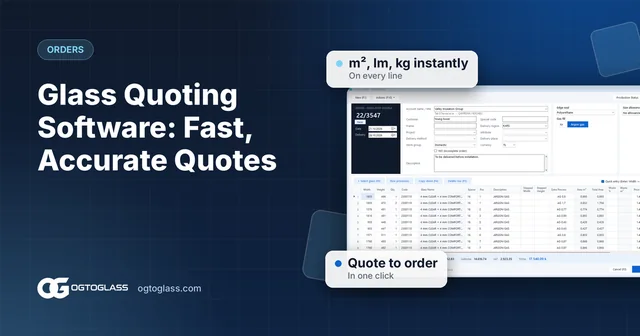
Glass order software is a program in which glass companies record quotes and orders with width, height, quantity, spacer, gas and extra operations; it calculates m² and linear metres automatically and follows each order from production to shipping and accounting. OGTOGLASS is a glass program that brings all of this together in one place.
No. The link you send to a dealer opens in the browser on a phone or computer. The dealer does not need to create an account or enter a password.
OGTOGLASS integrates easily with any accounting software. Dispatch notes are transferred to accounting as delivery notes / invoices, and invoices taken into accounting are marked in the program. If you do not use separate accounting software, the optional Pre-accounting package lets you follow invoices and collections inside the program.
In a SQL Server database on your own server. There is no cloud requirement.
We will give you a short demo using your own orders and plan the move from your current program.