

Production tracking
"Is cutting done? Is it out of tempering?"
Every product has a production route: cutting → edging → tempering → IGU assembly… Glass reaches the stations along its route and is marked off at each one; everyone can see where each pane is waiting.
Station screen
Each station sees its own waiting glass
A simple screen for the operator: the waiting glass and one key.
- A production route for every product: cutting → edging → tempering → IGU assembly…
- The station screen shows the glass waiting at that station; mark it "done" with one key or enter a partial quantity.
- The right order with "Only items whose previous step is finished".
Per order
Know which station an order is at
When a customer calls, the answer is one click away.
- The order's production status: how many panes are waiting at which station and how many are done.
- Work waiting at the stations (m²) and daily production on the home screen.
Reports
Production report and production tracking report
- Production report: quantity and m² by station and day.
- Production tracking report: every pane with its order and status in one table.
- Export reports to Excel.
OGTOGLASS
More features
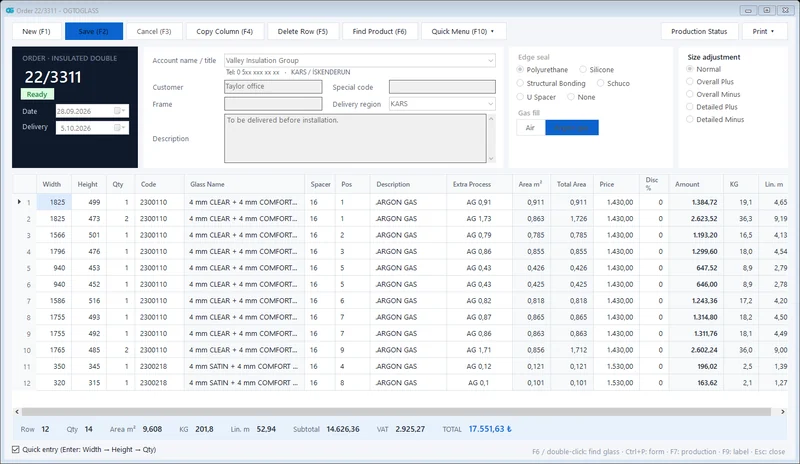 Order management
Insulated, single, laminated and processed glass orders; m², kg and amount calculated instantly.
Explore
Order management
Insulated, single, laminated and processed glass orders; m², kg and amount calculated instantly.
Explore
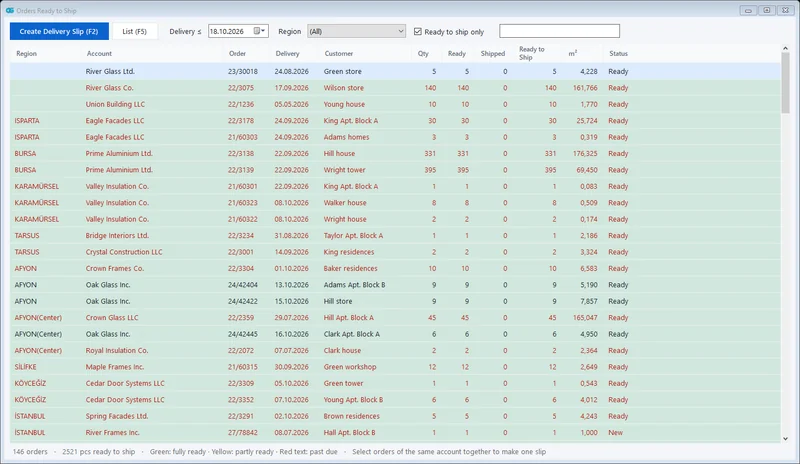 Shipping and delivery notes
Orders ready to ship in one list; all orders of the same customer on one dispatch note.
Explore
Shipping and delivery notes
Orders ready to ship in one list; all orders of the same customer on one dispatch note.
Explore
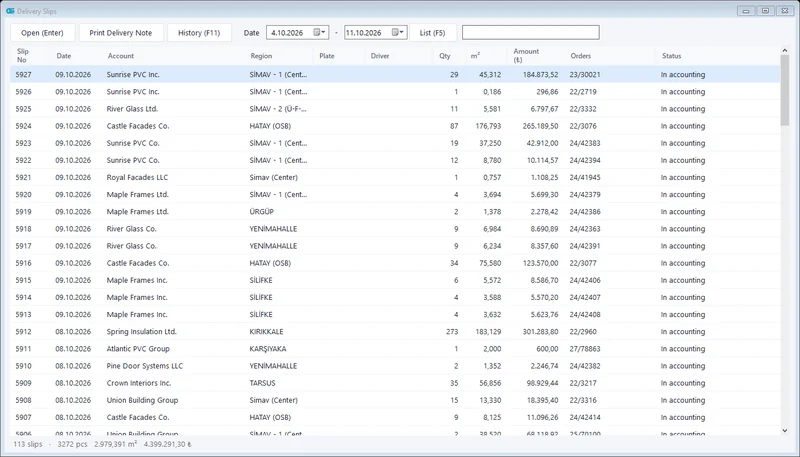 Accounting integration
Shipped glass is transferred to accounting as a delivery note / invoice; no more retyping.
Explore
Accounting integration
Shipped glass is transferred to accounting as a delivery note / invoice; no more retyping.
Explore
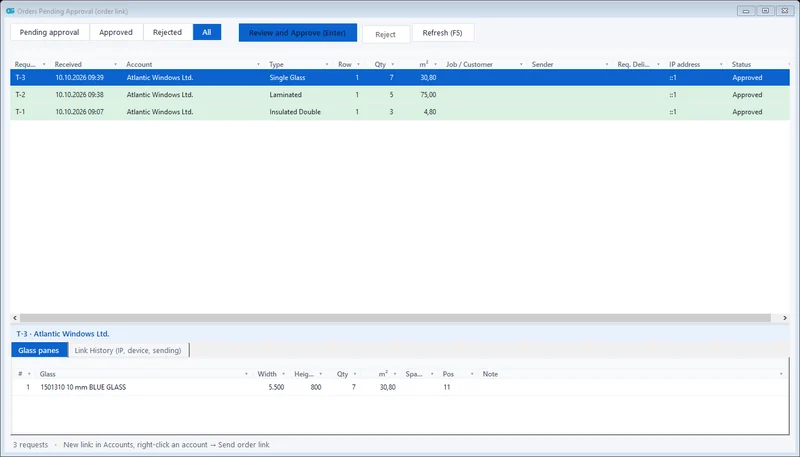 Dealer order link
With a single-use link, no login needed; the order lands in your approval queue.
Explore
Dealer order link
With a single-use link, no login needed; the order lands in your approval queue.
Explore
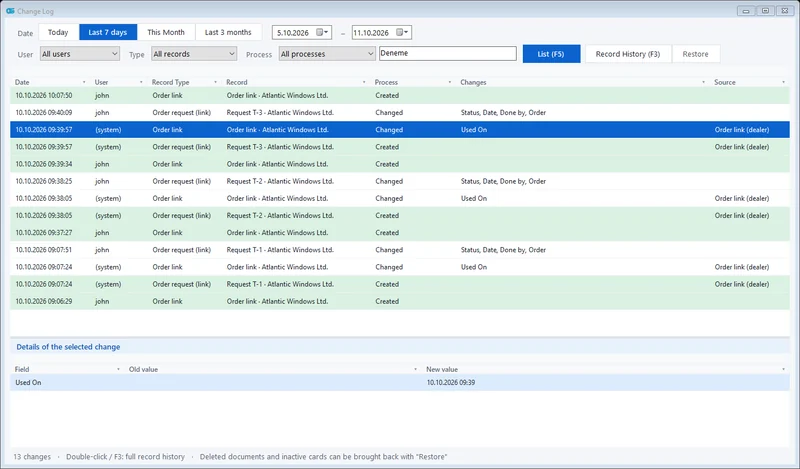 Change tracking and permissions
Who changed what and when; deleted records can be restored. Role-based users.
Explore
Change tracking and permissions
Who changed what and when; deleted records can be restored. Role-based users.
Explore
Request a demo
Is it right for your company? Let's find out together.
We will give you a short demo using your own orders and plan the move from your current program.