

Shipping and delivery notes
"Which truck do the ready ones go on?"
Orders ready to ship no longer get mixed up with missing panes. Ready glass ships on one dispatch note and the delivery note is printed; order statuses update automatically as goods ship.
Ready to ship
Orders ready to ship in one list
You can tell from the colour what is fully ready and what is missing.
- Orders ready to ship in one list, colour-coded: fully ready, partly ready, overdue.
- Select a customer's orders together and create one dispatch note.
Dispatch and delivery notes
Region, vehicle, driver — and the delivery note
- Shipping region, vehicle plate, driver, delivery address.
- Delivery note printing.
- Order statuses update automatically as goods ship (partly shipped / shipped).
- Region, quantity, m², amount and accounting status in the dispatch note list. Accounting integration
OGTOGLASS
More features
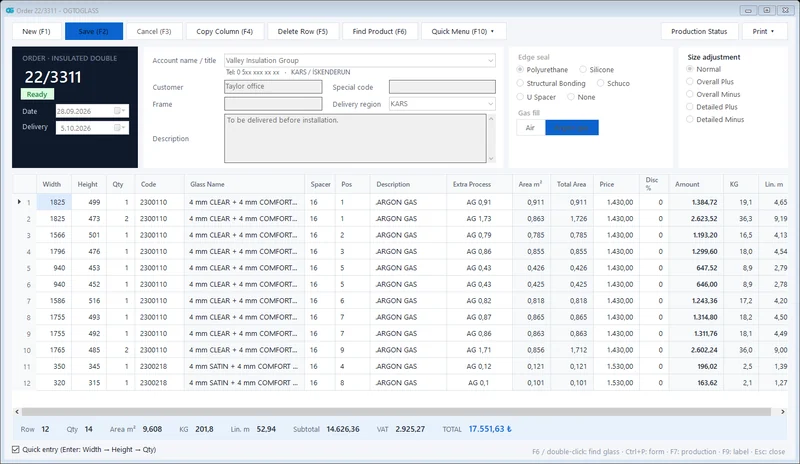 Order management
Insulated, single, laminated and processed glass orders; m², kg and amount calculated instantly.
Explore
Order management
Insulated, single, laminated and processed glass orders; m², kg and amount calculated instantly.
Explore
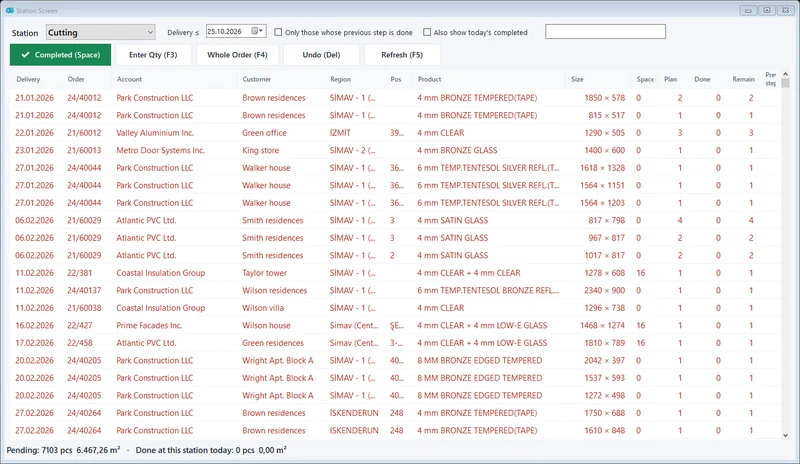 Production tracking
Cutting → edging → tempering → IGU assembly; which glass is at which station, at a glance.
Explore
Production tracking
Cutting → edging → tempering → IGU assembly; which glass is at which station, at a glance.
Explore
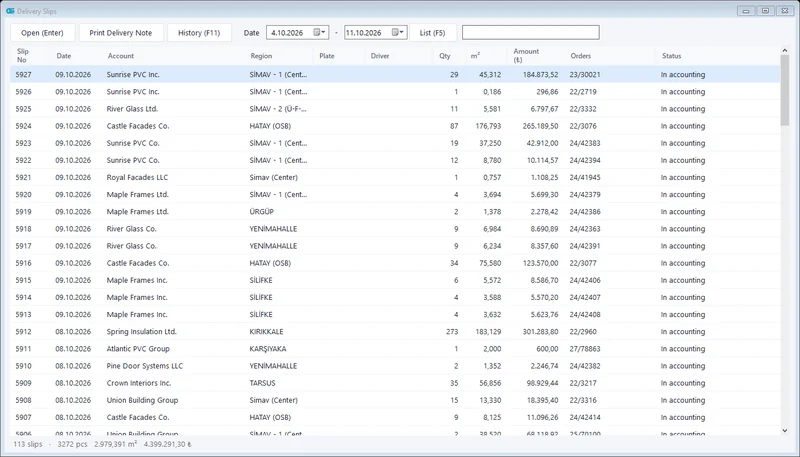 Accounting integration
Shipped glass is transferred to accounting as a delivery note / invoice; no more retyping.
Explore
Accounting integration
Shipped glass is transferred to accounting as a delivery note / invoice; no more retyping.
Explore
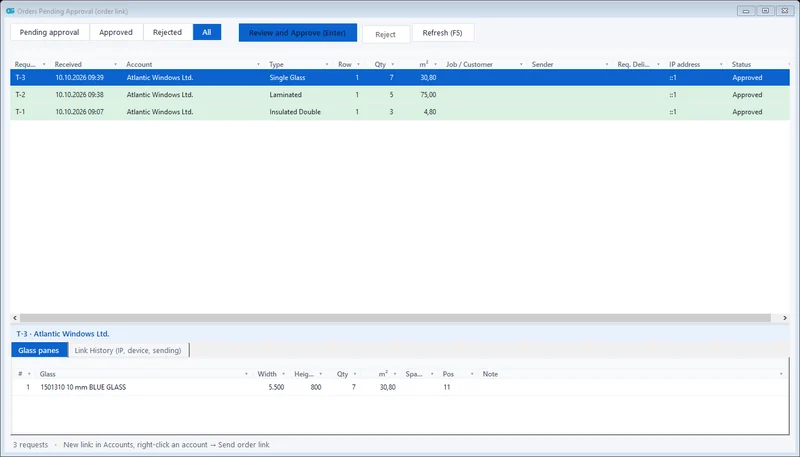 Dealer order link
With a single-use link, no login needed; the order lands in your approval queue.
Explore
Dealer order link
With a single-use link, no login needed; the order lands in your approval queue.
Explore
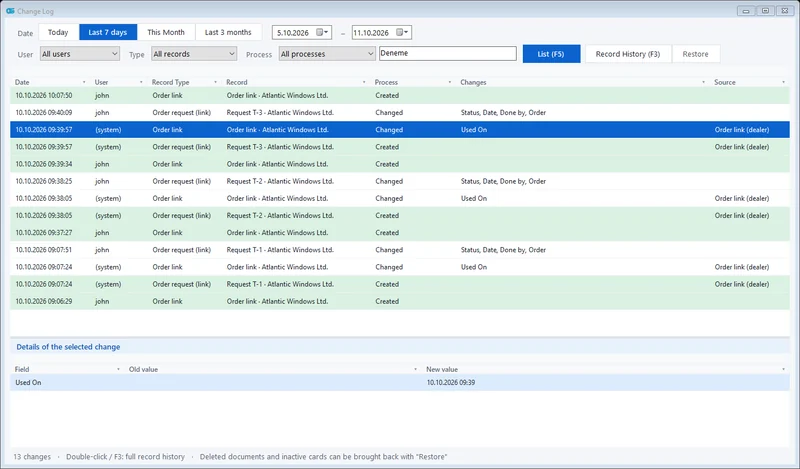 Change tracking and permissions
Who changed what and when; deleted records can be restored. Role-based users.
Explore
Change tracking and permissions
Who changed what and when; deleted records can be restored. Role-based users.
Explore
Request a demo
Is it right for your company? Let's find out together.
We will give you a short demo using your own orders and plan the move from your current program.