

Reports
Glass software reports: a ready-made template or your own pivot
"How many m² did each customer take last month?", "What did each station do on each day?" The Reports menu has ready-made templates for every topic; if what you need is not there, drag fields to build your own.
Drag, drop, and your pivot report is ready
Customer × month, product group × glass type, station × day… any combination you need.
- Drag fields into the row, column and value areas; m², amount and quantity totals appear automatically.
- Filters: narrow down by document type, period, customer, glass type… any field you like.
- Save the report as a template; next time it opens with one click.
- Export the result to Excel.
Ready-made templates for every topic
Topic by topic in the Reports menu; each opens with ready-made templates.
- Orders, shipping and production: production tracking, customer, product and shipping reports; quantity and m² by station and day.
- Sales and invoices, accounts and aging, cash and income-expense, cheques / notes, stock (with the Pre-accounting package).
- Staff / timesheets, pay / advances (with the Staff / Timesheet package).
- Every list can be exported to Excel.
About reports
What is the advanced report?
A pivot report where you drag fields (customer, month, product group, glass type, station…) into the row, column and value areas. Add filters, totals appear automatically and the result can be exported to Excel.
Can I reuse a report I built?
Yes. Save the report as a template; next time just pick the template and change the period.
Are accounting and staff reports in every licence?
Account and aging, cash and income-expense, cheque / note and stock reports come with the Pre-accounting package; staff / timesheet and pay / advance reports come with the Staff / Timesheet package. Order, shipping and production reports are in the core program.
In-depth guide: Which reports should a glass company look at?
More features
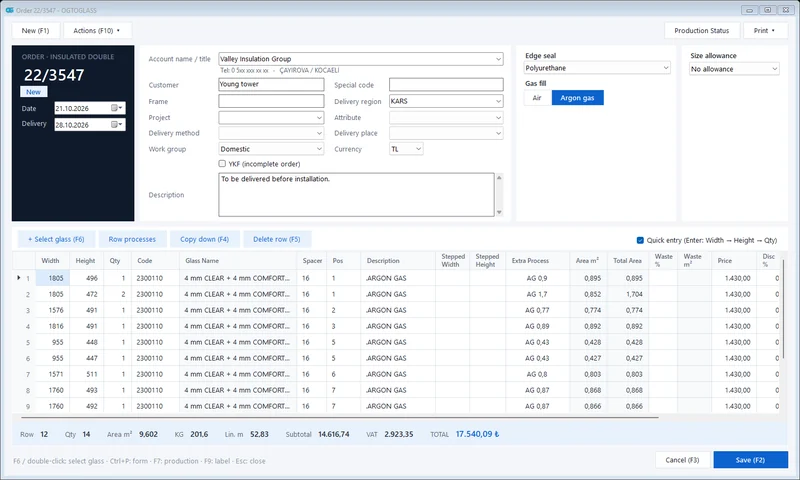 Order management
Insulated, single, laminated and processed glass orders; m², kg and amount calculated instantly.
Explore
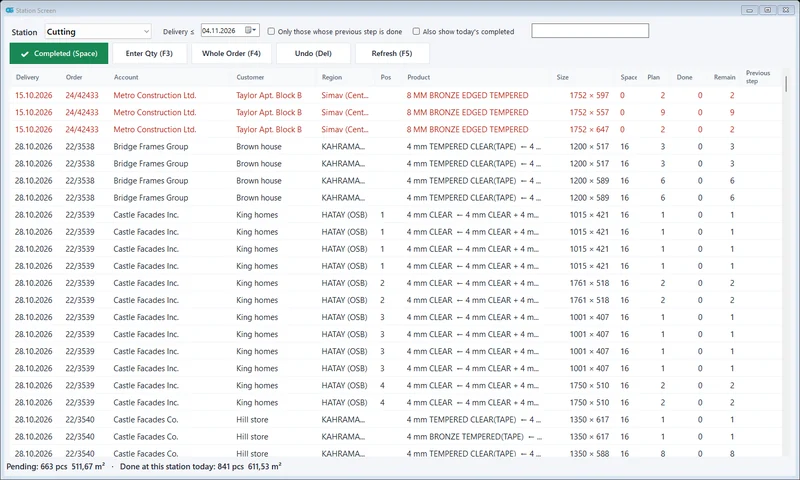 Production tracking
Cutting → edging → tempering → IGU assembly; which glass is at which station, at a glance.
Explore
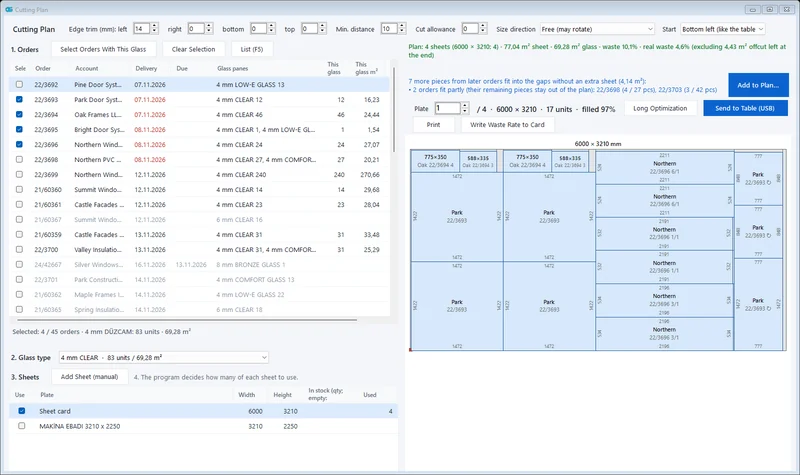 Cutting plan
Tick the orders; the program picks which sheets to use, draws the plan and sends it to the table.
Explore
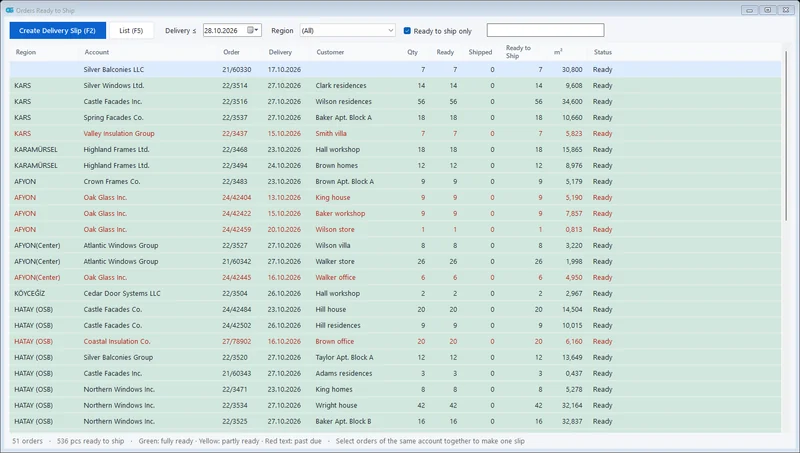 Shipping and delivery notes
Orders ready to ship in one list; all orders of the same customer on one dispatch note.
Explore
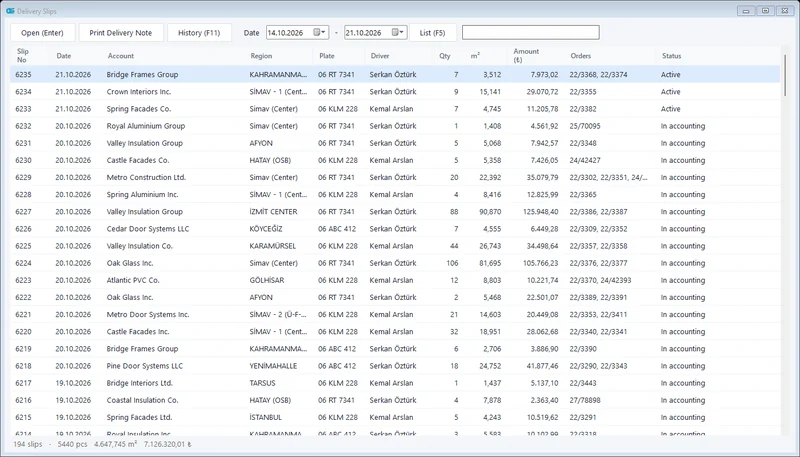 Accounting integration
Shipped glass is transferred to accounting as a delivery note / invoice; no more retyping.
Explore
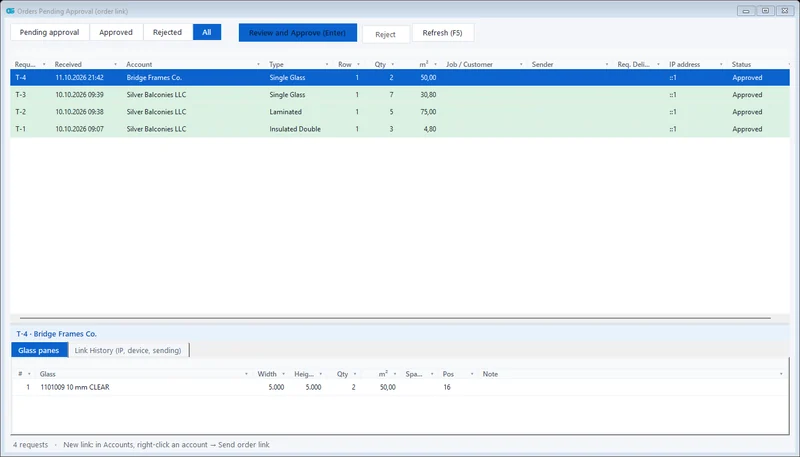 Dealer order link
With a single-use link, no login needed; the order lands in your approval queue.
Explore
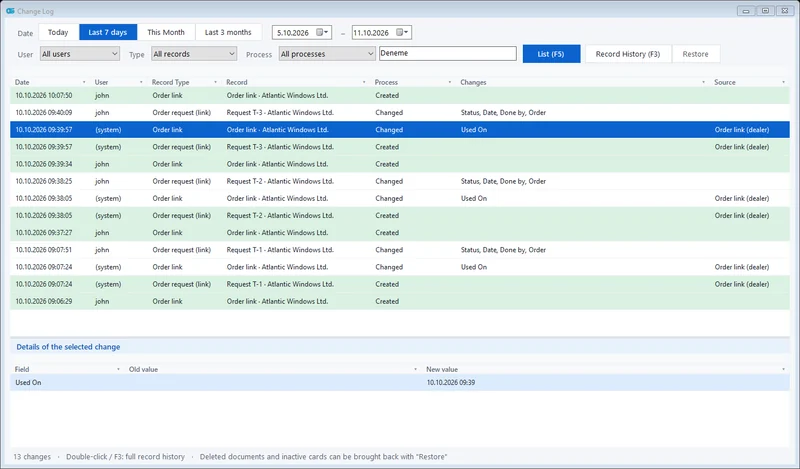 Change tracking and permissions
Who changed what and when; deleted records can be restored. Role-based users.
Explore
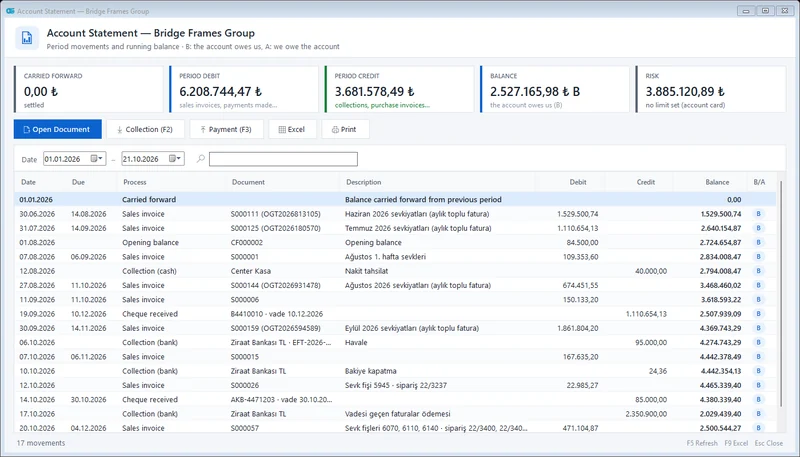 Pre-accounting
Invoices, account statements, cash / bank, cheques / notes, aging analysis and cash flow. Optional package.
Explore
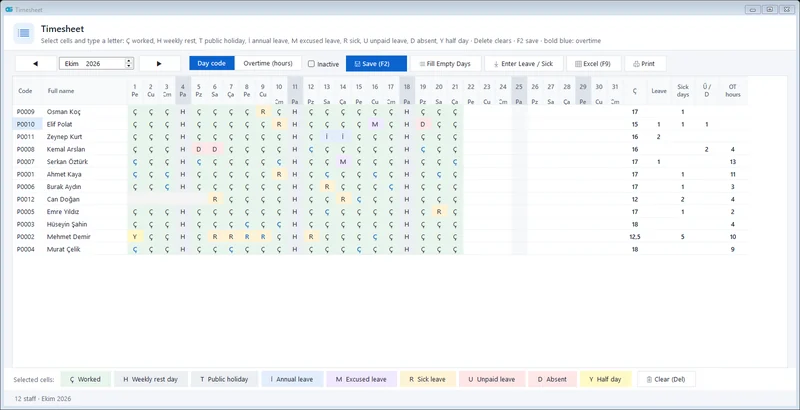 Staff and timesheets
Monthly timesheets, annual leave entitlement, overtime, advances and pay summary. Optional package.
Explore
Is it right for your company? Let's find out together.
We will give you a short demo using your own orders and plan the move from your current program.