
Production
Glass Production Tracking: Following Cutting, Edging and Tempering Stations on One Screen

In glass production, the most expensive question is "where is the order?". To answer it, someone walks to the shop floor, asks the operators and digs through paperwork. In this article we explain how glass production tracking software lets you follow cutting, edging, tempering and IGU assembly stations from one screen.
The invisible work in production
An insulated glass order is not a single operation: the glass is cut, its edges are processed, it is tempered if needed and then goes on to IGU assembly. Laminated or processed glass orders follow a different route again. If these steps are not recorded:
- Nobody knows the order's status when the customer calls,
- Nobody can see how much work is piling up at which station,
- One pane that has not come back from tempering holds up the whole order at shipping, and this is noticed at the last minute.
Production route: every pane has its own path
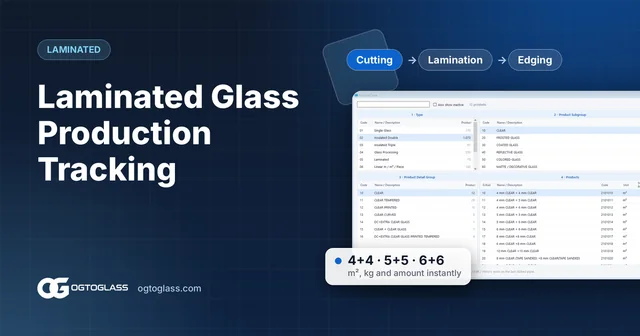
The foundation of production tracking is the route. For each product you define once which stations it passes through and in which order, for example:
- Cutting
- Edging
- Tempering
- IGU assembly
As soon as the order is saved, the glass reaches the first station on its route. The office no longer needs to write separate work orders.
Station screen: "done" with one key
The operator at a station does not need complicated software. The station screen lists only the glass waiting at that station; when the operator finishes, they mark it "done" with one key or enter just the quantity they finished (partial quantity). The glass moves on to the next station by itself.
The right order: items whose previous step is finished
It is confusing for the tempering operator to see a pane in the list whose edging is not finished yet. With the "Only items whose previous step is finished" option, the station screen shows only glass whose preceding step is complete, so work flows in the right order.
Seeing production from the office
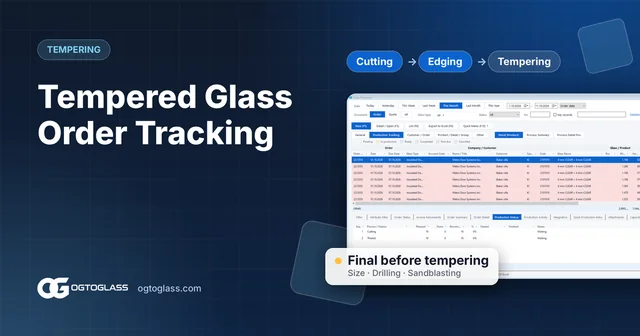
The real gain from production tracking is in the office. In the order list, the production status tab of the selected order shows how many panes are waiting at which station and how many are done. When a customer calls, the answer is one click away.
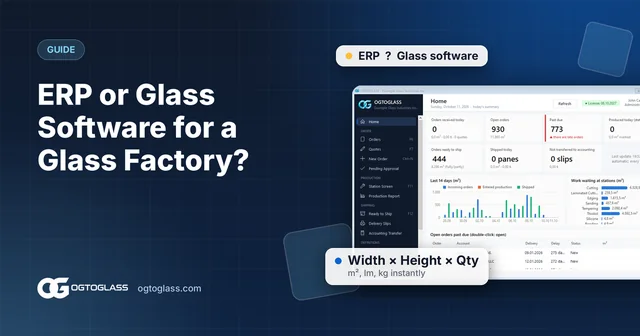
The home screen summarises the total work waiting at the stations (m²) and daily production; you can see at a glance where work is piling up.
Production report: m² by station and day
The production report gives quantity and m² by station and day. The production tracking report lists every pane with its order and status in one table; reports can be exported to Excel. So questions like "how many m² came out of tempering last week?" are answered with data, not guesses.
Try the OGTOGLASS glass software
Let us define a route with your own stations and try the station screen together.
5 tips for getting started with production tracking
- Keep routes simple. First define the stations you really want to track separately; split them later if needed.
- Involve station operators early. Even though the screen is simple, being with them in the first days speeds up the habit.
- Use partial quantity entry. On large orders some of the glass finishes first; recording it directly improves the shipping plan.
- Check the waiting work on the home screen every morning. Seeing a pile-up at the start of the day is better than noticing it at the end.
- Connect it to shipping. Let glass coming out of production land on the ready-to-ship list automatically; the fully ready / partly ready split comes from there.
Frequently asked questions
What does glass production tracking software do?
It shows which station each pane is waiting at, which panes are done and how much of an order is ready. That way the "Is cutting done? Is it out of tempering?" question is answered without walking to the shop floor.
What is a production route?
It is the sequence of stations a product must pass through, for example cutting → edging → tempering → IGU assembly. Each product type is defined with its own route, and when an order is entered the glass reaches the stations along that route.
What happens if only part of an order's glass is finished?
A partial quantity can be entered at the station. You can see separately how many panes of the order are waiting at which station and how many are done; at shipping it is shown as "partly ready".
Try the OGTOGLASS glass software
We will give you a short demo using your own orders.