

Staff and timesheets · optional package
Staff and timesheet tracking: one screen instead of a paper sheet
The answer to "Who worked how many days this month?" is in the timesheet. The days, leave, overtime and advances of your cutting, tempering and shipping teams live in the same place as your orders.
A card for every employee
Role, department, seniority, pay and remaining leave together.
- Staff cards: role, department, start date, seniority, pay (monthly / daily), remaining annual leave.
- Staff who leave are set to inactive; their history is not lost.
- Permissions: who can see and edit, and who can see wages, is chosen per user.
One letter per day, totals ready at month end
No more keeping the sheet on paper and counting at the end of the month.
- One letter per day for worked, weekly day off, public holiday, annual leave, sick leave, absent, half day…
- Overtime is entered in hours; totals appear on the right automatically.
- Fill empty days with one key, or select cells and type a code for all of them.
- A4 printing and Excel.
Annual leave entitlement by seniority
No need to ask who has how much leave left.
- Annual leave entitlement is calculated by seniority (14 / 20 / 26 days).
- Used, remaining and the next entitlement date on each employee's row.
From timesheet to earnings, from advances to the amount left to pay
Who gets paid how much at month end is ready.
- Earnings from the timesheet, overtime, bonus, deductions and advances; the amount left to pay.
- Wages are paid from cash / bank; the payment appears in the cash / bank statement.
- Note: this is not official payroll (social security, tax); it is for in-house tracking.
About the staff and timesheet package
Does the staff package do payroll?
No. It is an in-house tracker for timesheets, leave, advances and a net pay summary; official payroll (social security, tax) is done in your accountant's software.
Which codes does the timesheet use?
One letter per day: worked, weekly day off, public holiday, annual leave, excused leave, sick leave, unpaid leave, absent and half day. Overtime is entered separately in hours. (In the Turkish interface the letters follow the Turkish words.)
Can everyone see the wages?
No. Who can see and edit staff information, and who can see wages, is chosen per user.
Can the package be added later?
Yes. When the Staff / Timesheet package is added to your licence it appears in the menu; your data stays in the same database.
In-depth guide: Staff and timesheet tracking in a glass factory
More features
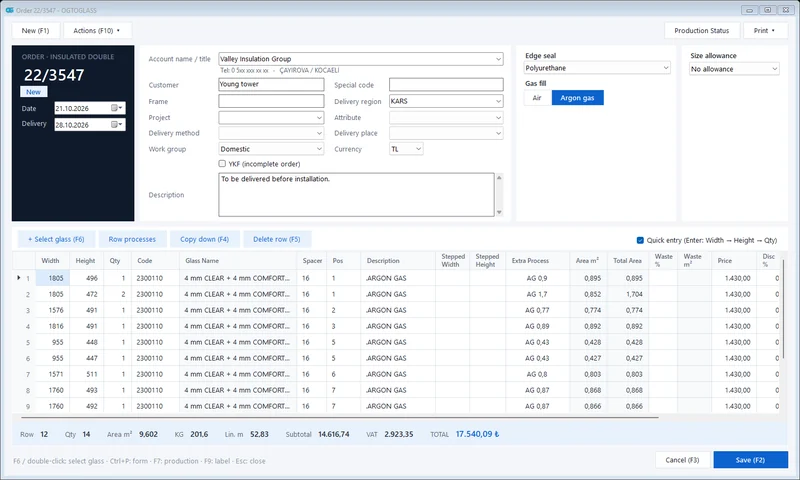 Order management
Insulated, single, laminated and processed glass orders; m², kg and amount calculated instantly.
Explore
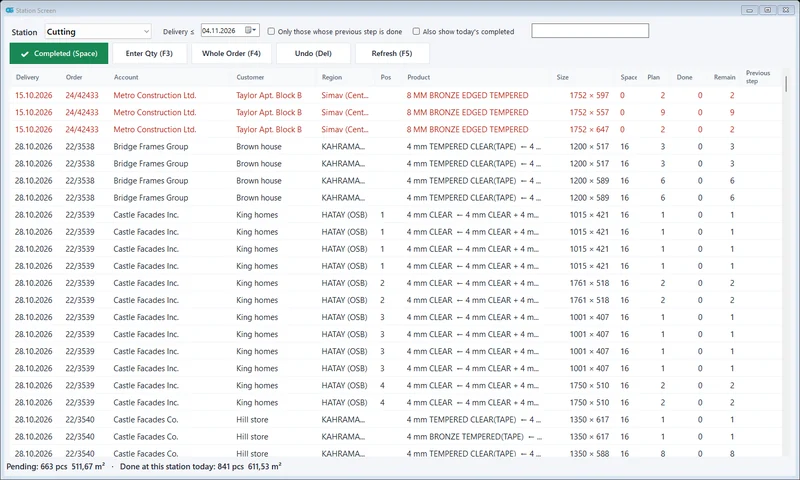 Production tracking
Cutting → edging → tempering → IGU assembly; which glass is at which station, at a glance.
Explore
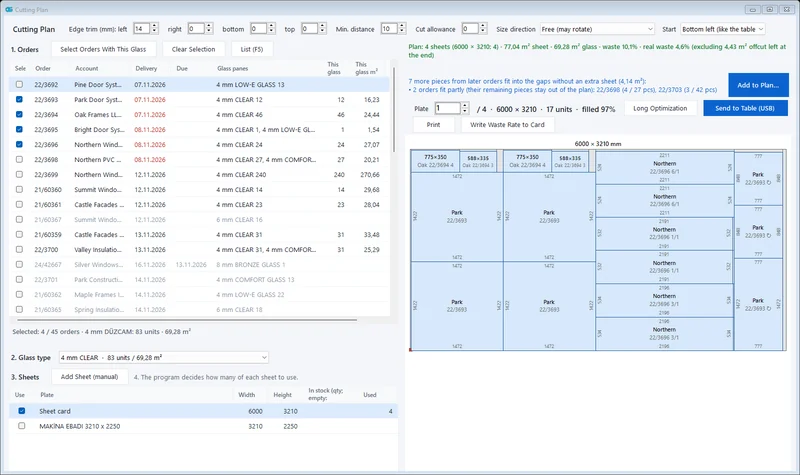 Cutting plan
Tick the orders; the program picks which sheets to use, draws the plan and sends it to the table.
Explore
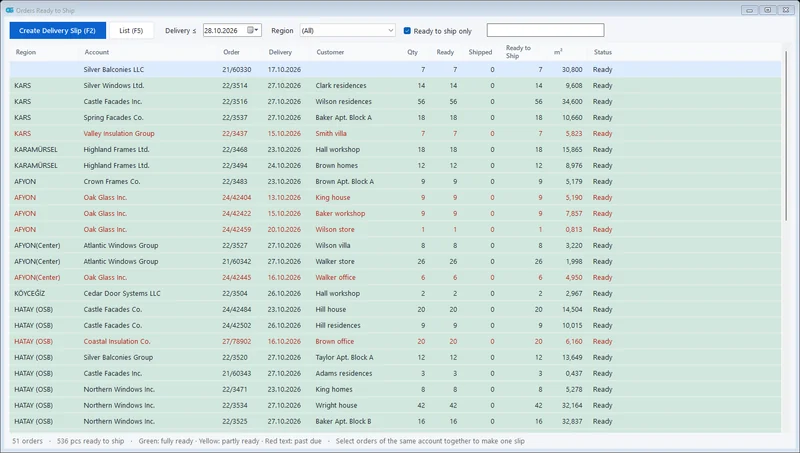 Shipping and delivery notes
Orders ready to ship in one list; all orders of the same customer on one dispatch note.
Explore
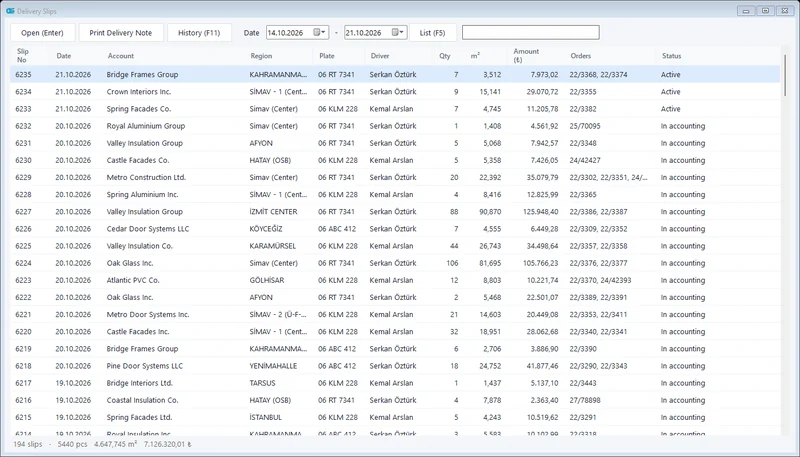 Accounting integration
Shipped glass is transferred to accounting as a delivery note / invoice; no more retyping.
Explore
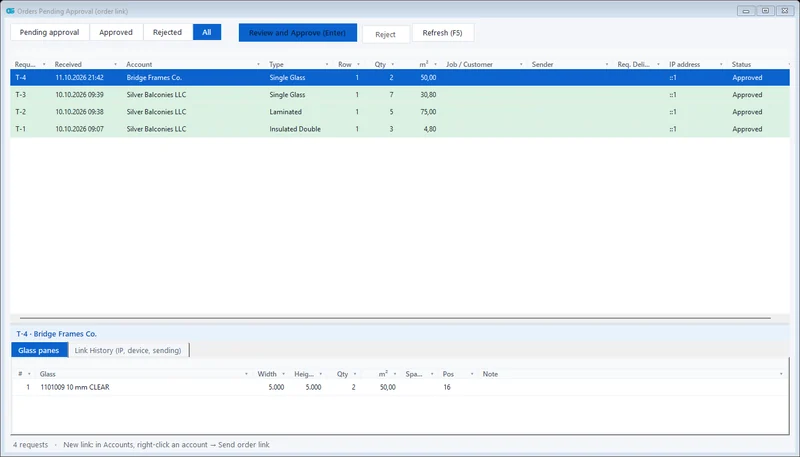 Dealer order link
With a single-use link, no login needed; the order lands in your approval queue.
Explore
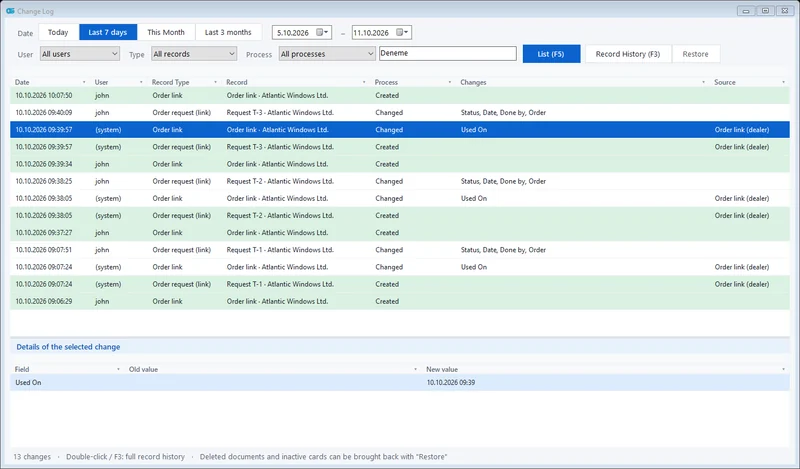 Change tracking and permissions
Who changed what and when; deleted records can be restored. Role-based users.
Explore
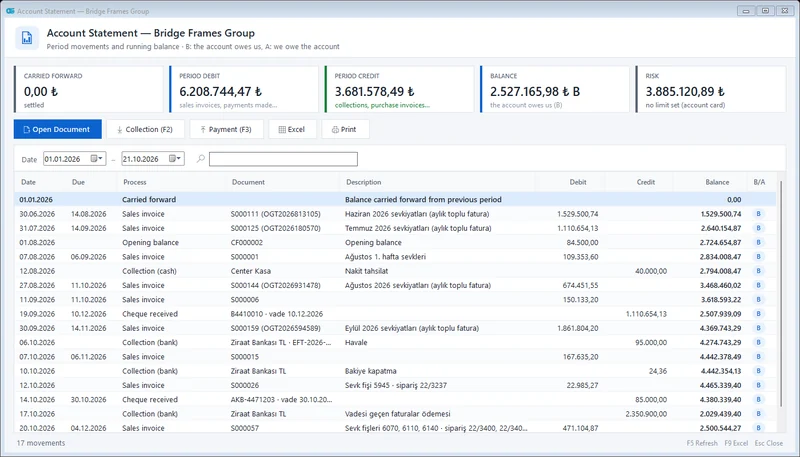 Pre-accounting
Invoices, account statements, cash / bank, cheques / notes, aging analysis and cash flow. Optional package.
Explore
 Reports
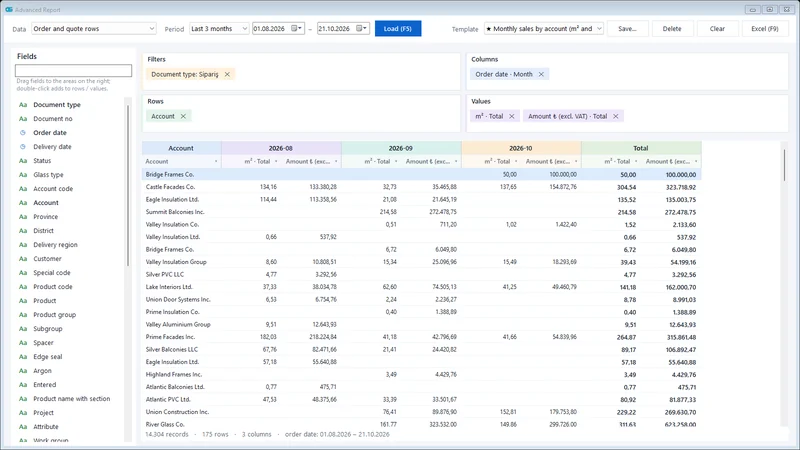
Ready-made reports by topic; build your own pivot report by dragging fields, export to Excel.
Explore
Is it right for your company? Let's find out together.
We will give you a short demo using your own orders and plan the move from your current program.