Follows the rules of your table
Guillotine (edge-to-edge) cuts, edge trims, minimum distance between cuts, cut allowance, size direction (no rotation for patterned glass) and the number of cutting stages your table can handle.


New · Cutting plan
Tick the orders to cut. OGTOGLASS decides how many of each available sheet to use, draws the plan in seconds and prepares the file for the cutting table. No separate optimisation program, no list exports, no retyping sizes.
Sizes are never copied from one program to another, so there are no typing errors.
Guillotine (edge-to-edge) cuts, edge trims, minimum distance between cuts, cut allowance, size direction (no rotation for patterned glass) and the number of cutting stages your table can handle.
The plan is written as a Bottero cutting table file (.r01). Sent files and layouts are kept and can be opened and printed again later.
Each pane shows its size, order number and the customer's short name; offcut sizes are marked too. Print it for the cutting table.
Sample plan (in the image): 83 panes, 69.28 m², 4 sheets; sheet 1 is 97% full; one 1380 × 3210 mm offcut left on the last sheet.
No. The cutting plan is built into OGTOGLASS. Orders waiting to be cut are listed; the plan is calculated for the orders you tick. No list exports and no retyping sizes.
The plan is written as a Bottero cutting table file (.r01) and taken to the table by USB. Sent files and layouts are kept and can be opened and printed again later.
Real waste excludes the large offcut left on the last sheet, which goes back to stock. In the sample plan total waste is 10.1% and real waste is 4.6%.
The size direction can be set: panes of patterned glass are placed without rotation. Edge trims, minimum distance between cuts, cut allowance and the number of cutting stages your table can handle are also taken into account.
The program knows the sheet sizes and quantities in stock; with several sizes it picks how many of each to use for the least waste.
In-depth guide: Glass cutting optimisation: more glass per sheet, less waste
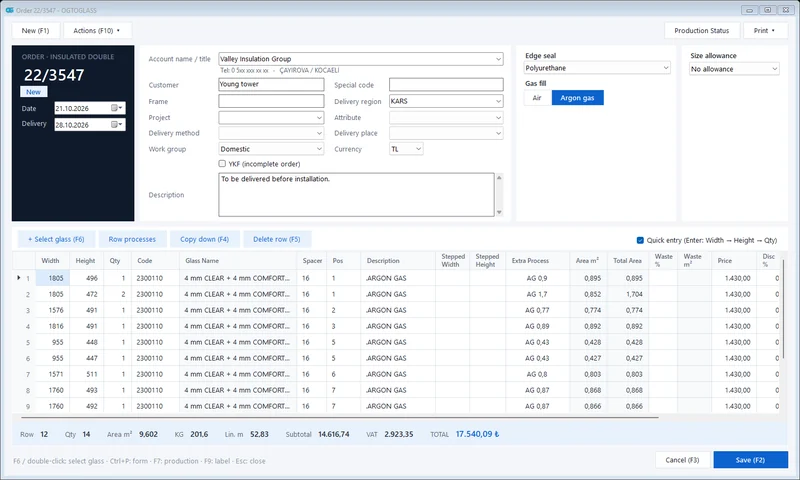 Order management
Insulated, single, laminated and processed glass orders; m², kg and amount calculated instantly.
Explore
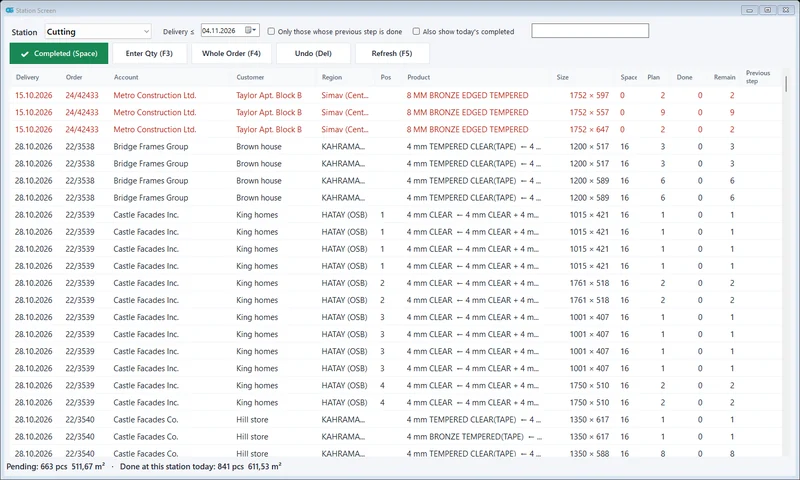 Production tracking
Cutting → edging → tempering → IGU assembly; which glass is at which station, at a glance.
Explore
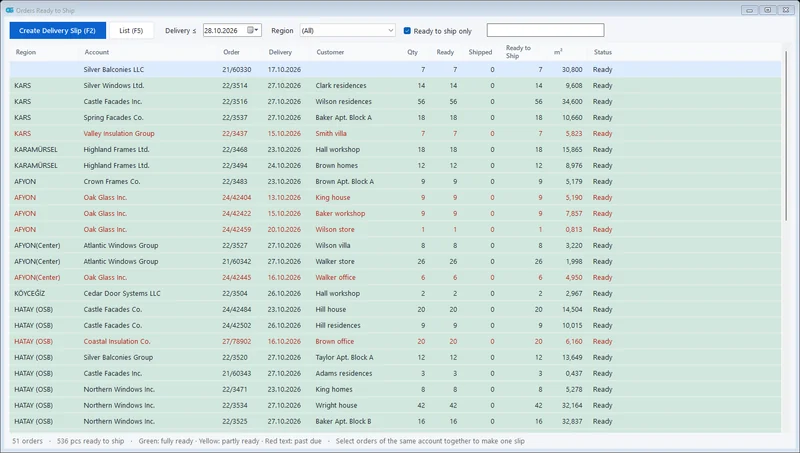 Shipping and delivery notes
Orders ready to ship in one list; all orders of the same customer on one dispatch note.
Explore
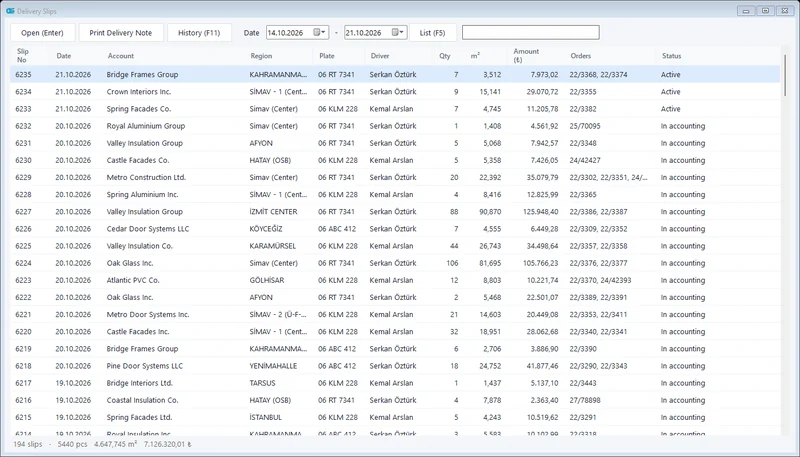 Accounting integration
Shipped glass is transferred to accounting as a delivery note / invoice; no more retyping.
Explore
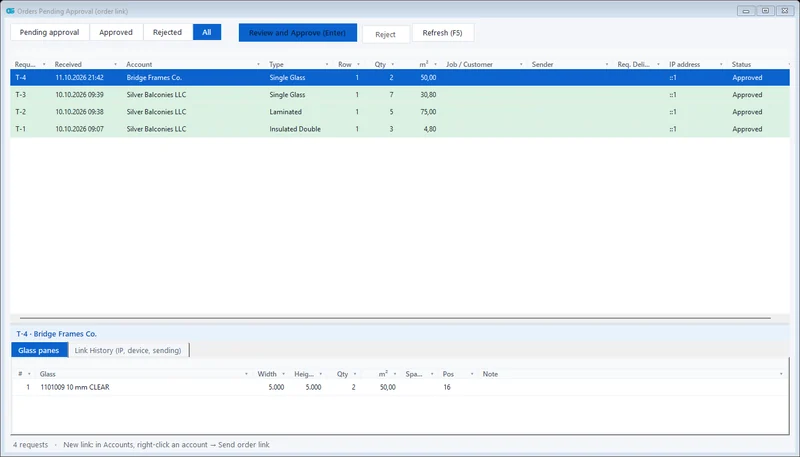 Dealer order link
With a single-use link, no login needed; the order lands in your approval queue.
Explore
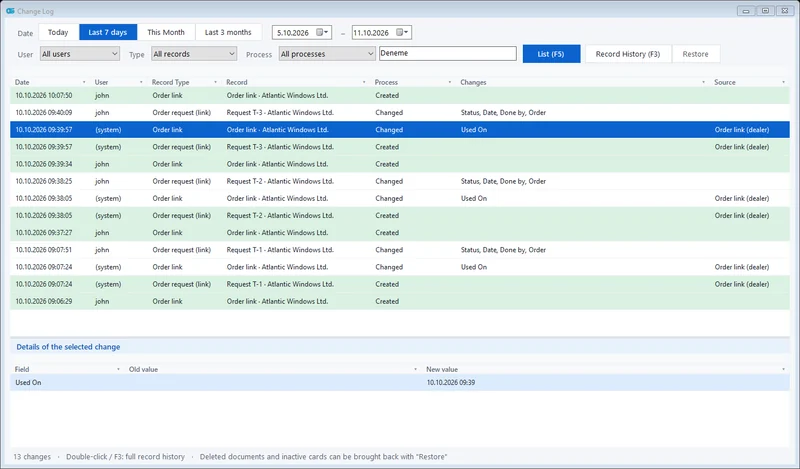 Change tracking and permissions
Who changed what and when; deleted records can be restored. Role-based users.
Explore
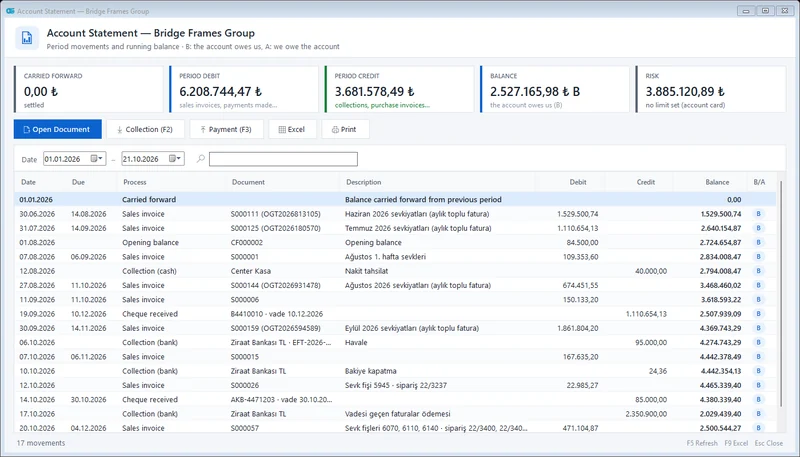 Pre-accounting
Invoices, account statements, cash / bank, cheques / notes, aging analysis and cash flow. Optional package.
Explore
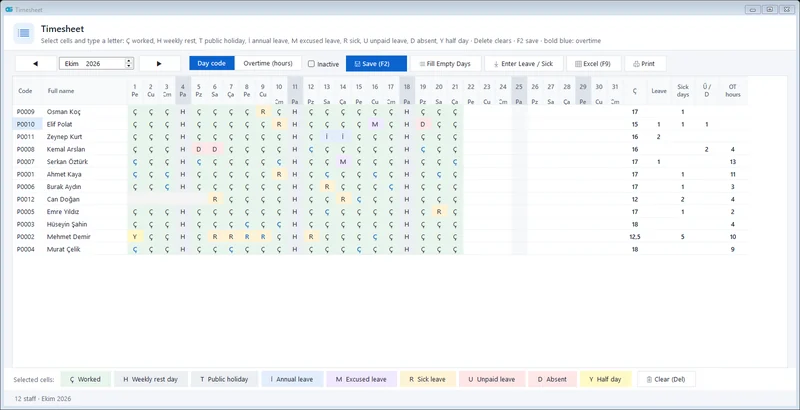 Staff and timesheets
Monthly timesheets, annual leave entitlement, overtime, advances and pay summary. Optional package.
Explore
 Reports
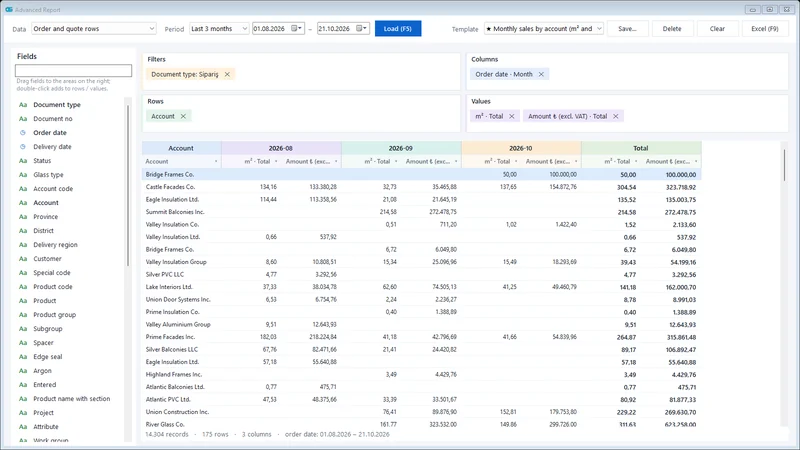
Ready-made reports by topic; build your own pivot report by dragging fields, export to Excel.
Explore
We will give you a short demo using your own orders and plan the move from your current program.